Acceptable Use Policy Guide
Device use, remote work, prohibited activities, and monitoring — for distributed teams pursuing SOC 2.
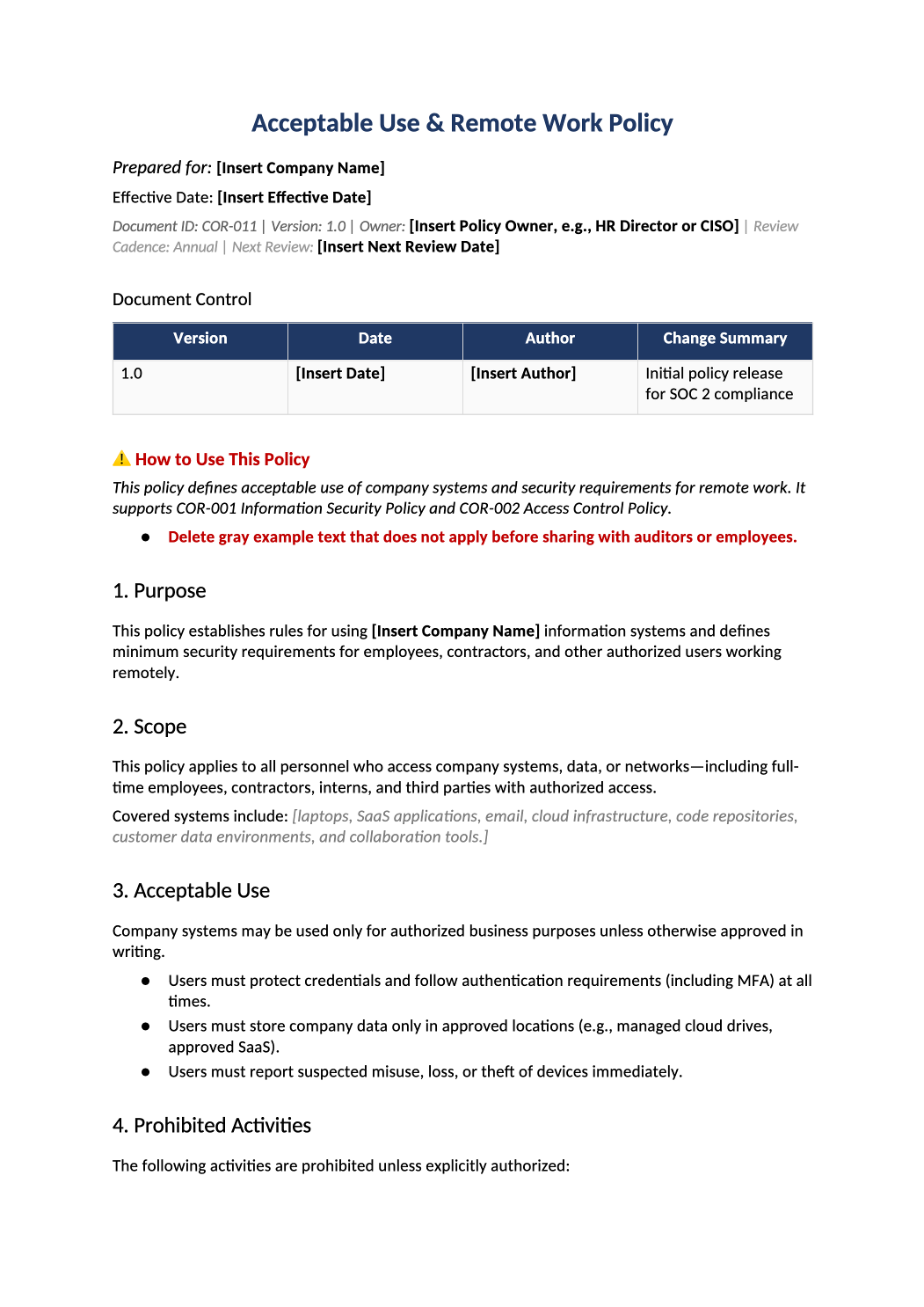
Acceptable Use and Remote Work Policy
Device use, remote work, prohibited activities, and monitoring — for distributed teams pursuing SOC 2.
Acceptable use policy template — Employees should acknowledge this policy at hire and annually. Cross-reference COR-006 training and COR-012 physical security.
Recommended Owner: Security Lead | HR for acknowledgments
What this file is for
Document purpose
Acceptable use and remote work rules for distributed teams.
In your program: Employees acknowledge at hire; aligns with COR-001 Section 7.
Before you start
Getting Started
- Enable Editing in Word; replace `[` placeholders and delete gray examples.
- Cross-check names and vendors with SOC-002, SOC-004, and Phase 1 COR policies.
Document tour
Fill out the file section by section
Work through the sections below in order. Each block matches a heading or tab in the downloaded COR-011 file.
- Set expectations for devices, networks, and prohibited activity.
- After editing 1. Purpose, search for `[` placeholders and gray sample names — auditors flag incomplete templates.
- Employees and contractors with system access.
- After editing 2. Scope, search for `[` placeholders and gray sample names — auditors flag incomplete templates.
- Permitted use of company systems and customer data.
- After editing 3. Acceptable Use, search for `[` placeholders and gray sample names — auditors flag incomplete templates.
- No credential sharing, pirated software, or personal cloud uploads of company data.
- After editing 4. Prohibited Activities, search for `[` placeholders and gray sample names — auditors flag incomplete templates.
- Home network hygiene, screen lock, no unattended sessions.
- After editing 5. Remote Work Security Requirements, search for `[` placeholders and gray sample names — auditors flag incomplete templates.
- MDM, disk encryption, OS patching — match MDM reports.
- After editing 6. Device & Network Security, search for `[` placeholders and gray sample names — auditors flag incomplete templates.
- Classify data per COR-009; no sensitive data in personal email.
- After editing 7. Email, Communications & Data Handling, search for `[` placeholders and gray sample names — auditors flag incomplete templates.
- Describe what is logged — align with employee notice / jurisdiction.
- After editing 8. Monitoring & Privacy, search for `[` placeholders and gray sample names — auditors flag incomplete templates.
- HR escalation path; reference COR-001 for sanctions.
- After editing 9. Violations & Enforcement, search for `[` placeholders and gray sample names — auditors flag incomplete templates.
- Annual acknowledgment via HR-001 / HRIS.
- After editing 10. Review and Approval, search for `[` placeholders and gray sample names — auditors flag incomplete templates.
10.1 SOC 2 Common Criteria Mapping
- CC1.4 / CC6 — update if scope changes.
- After editing 10.1 SOC 2 Common Criteria Mapping, search for `[` placeholders and gray sample names — auditors flag incomplete templates.
Quality check
Before You Finalize
- Acknowledgment process documented (HRIS or DocuSign).
Evidence
Where to Store It
- Store the completed file in your compliance evidence folder (signed PDF for policies).
- Register the document in COR-013 with version, owner, and next review date.
- Link the file from your evidence index or SOC-005 project plan when you use Phase 3 trackers.