Bridge Letter Guide
Gap-period letter between prior SOC report end and current audit period.
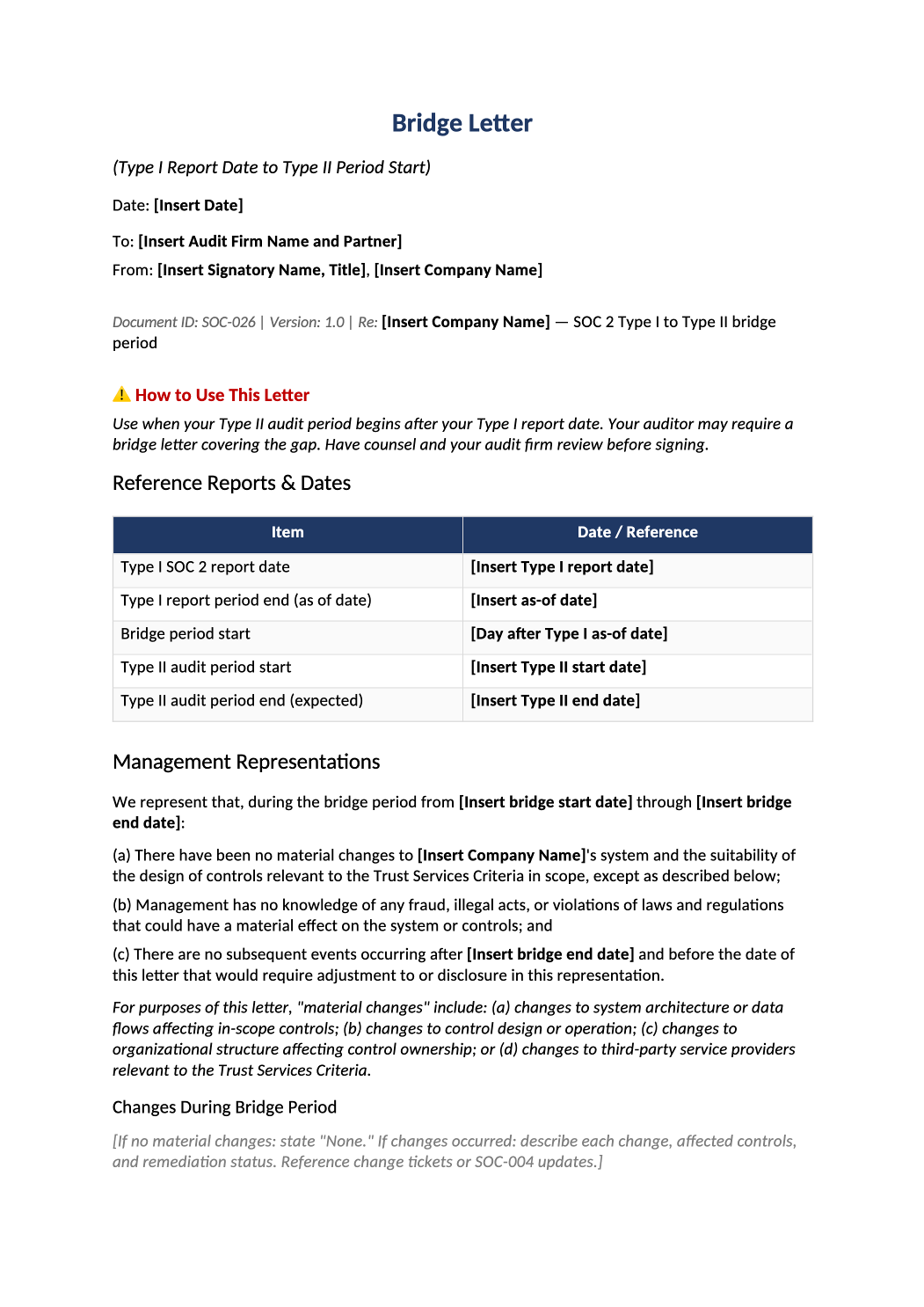
Bridge Letter Template
Gap-period letter between prior SOC report end and current audit period.
How to Fill Out This Bridge Letter
SOC 2 bridge letter template — Use when audit period does not abut prior report — legal/accounting review required.
Recommended Owner: CFO or CEO | Legal review
What this file is for
Document purpose
Bridge letter covering gap between prior SOC report end and current audit period.
In your program: Legal and CFO must review; only use when periods do not abut.
Before you start
Getting Started
- Confirm gap exists between prior report end date and current period start.
- Request auditor bridge letter template — merge, do not invent representations alone.
Document tour
Fill out the file section by section
Work through the sections below in order. Each block matches a heading or tab in the downloaded SOC-026 file.
Reference Reports & Dates
- Prior report type (Type II), period end, and service organization name exactly as on report.
- After editing Reference Reports & Dates, search for `[` placeholders and gray sample names — auditors flag incomplete templates.
Management Representations
- Do not assert “no material changes” if SOC-013 shows significant incidents in gap period.
- After editing Management Representations, search for `[` placeholders and gray sample names — auditors flag incomplete templates.
Changes During Bridge Period
- List org, system, vendor, and control changes affecting scope (new AWS region, IdP migration).
- After editing Changes During Bridge Period, search for `[` placeholders and gray sample names — auditors flag incomplete templates.
Incidents During Bridge Period
- Summarize material SOC-013 events; reference whether customers were notified.
- After editing Incidents During Bridge Period, search for `[` placeholders and gray sample names — auditors flag incomplete templates.
Closing
- CEO/CFO signature block per auditor format.
- After editing Closing, search for `[` placeholders and gray sample names — auditors flag incomplete templates.
Related Documents
- SOC-027, SOC-025, prior SOC report — reference only.
- After editing Related Documents, search for `[` placeholders and gray sample names — auditors flag incomplete templates.
Quality check
Before You Finalize
- Reference Reports & Dates match prior SOC PDF.
- Incidents and control changes in gap period are complete and factual.
Evidence
Where to Store It
- Store the completed file in your compliance evidence folder (signed PDF for policies).
- Register the document in COR-013 with version, owner, and next review date.
- Link the file from your evidence index or SOC-005 project plan when you use Phase 3 trackers.