Change Approval Workflow Guide
Emergency vs standard changes, approvals, testing, and rollback for production systems.
Change Approval Workflow Guide
Emergency vs standard changes, approvals, testing, and rollback for production systems.
Change management procedure template SOC 2 — Describe your real ticket workflow (Jira, Linear, etc.). Auditors will compare tickets to this guide for CC8.1 samples.
Recommended Owner: Engineering Lead | Security reviews high-risk changes
What this file is for
Document purpose
Production change approval workflow (CC8.1).
In your program: Describe real tickets/PRs — auditors sample changes against this.
Before you start
Getting Started
- Enable Editing in Word; replace `[` placeholders and delete gray examples.
- Cross-check names and vendors with SOC-002, SOC-004, and Phase 1 COR policies.
Document tour
Fill out the file section by section
Work through the sections below in order. Each block matches a heading or tab in the downloaded SOC-011 file.
- Production apps, infra, and config in SOC-002 boundary.
- After editing 1. Purpose & Scope, search for `[` placeholders and gray sample names — auditors flag incomplete templates.
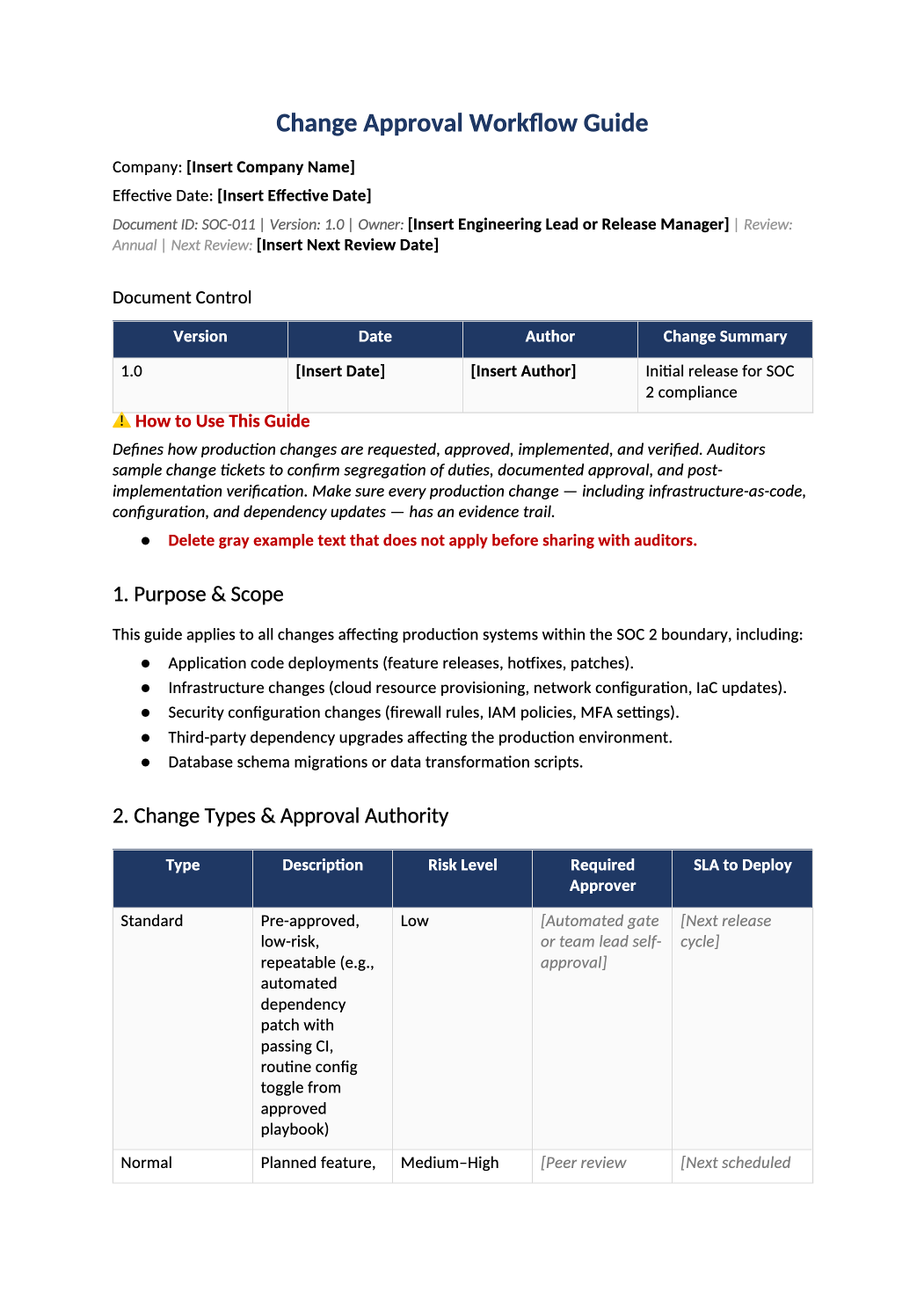
- Standard / normal / emergency — define approvers per type.
- After editing 2. Change Types & Approval Authority, search for `[` placeholders and gray sample names — auditors flag incomplete templates.
- Fill names/roles — must match real RACI and GitHub rules.
- After editing 3. Approval Authority Matrix, search for `[` placeholders and gray sample names — auditors flag incomplete templates.
- Requester ≠ sole approver ≠ deployer for prod.
- After editing 4. Segregation of Duties, search for `[` placeholders and gray sample names — auditors flag incomplete templates.
- Ticket → review → test → approve → deploy — cite SOC-012 for code.
- After editing 5. Normal Change Workflow, search for `[` placeholders and gray sample names — auditors flag incomplete templates.
- Pager approval, limited scope, retroactive review within 48h.
- After editing 6. Emergency Change Workflow, search for `[` placeholders and gray sample names — auditors flag incomplete templates.
- Direct prod DB edits, unapproved hotfixes, etc.
- After editing 7. Prohibited Changes, search for `[` placeholders and gray sample names — auditors flag incomplete templates.
- When disruptive changes allowed — customer comms if needed.
- After editing 8. Maintenance Windows, search for `[` placeholders and gray sample names — auditors flag incomplete templates.
- Rollback plan for high-risk changes.
- After editing 9. Rollback Requirements, search for `[` placeholders and gray sample names — auditors flag incomplete templates.
- Tickets and PR links retained for audit period.
- After editing 10. Evidence Retention, search for `[` placeholders and gray sample names — auditors flag incomplete templates.
11. Related Documents
- SOC-007, SOC-012, SOC-016.
- After editing 11. Related Documents, search for `[` placeholders and gray sample names — auditors flag incomplete templates.
12. SOC 2 Mapping
- CC8.1 — sample changes against this guide in fieldwork.
- After editing 12. SOC 2 Mapping, search for `[` placeholders and gray sample names — auditors flag incomplete templates.
Quality check
Before You Finalize
- Emergency change path defined with retroactive approval.
Evidence
Where to Store It
- Store the completed file in your compliance evidence folder (signed PDF for policies).
- Register the document in COR-013 with version, owner, and next review date.
- Link the file from your evidence index or SOC-005 project plan when you use Phase 3 trackers.