Data Retention & Deletion Policy
Define how your company stores, retains, and securely deletes data to minimize risk and meet compliance obligations.
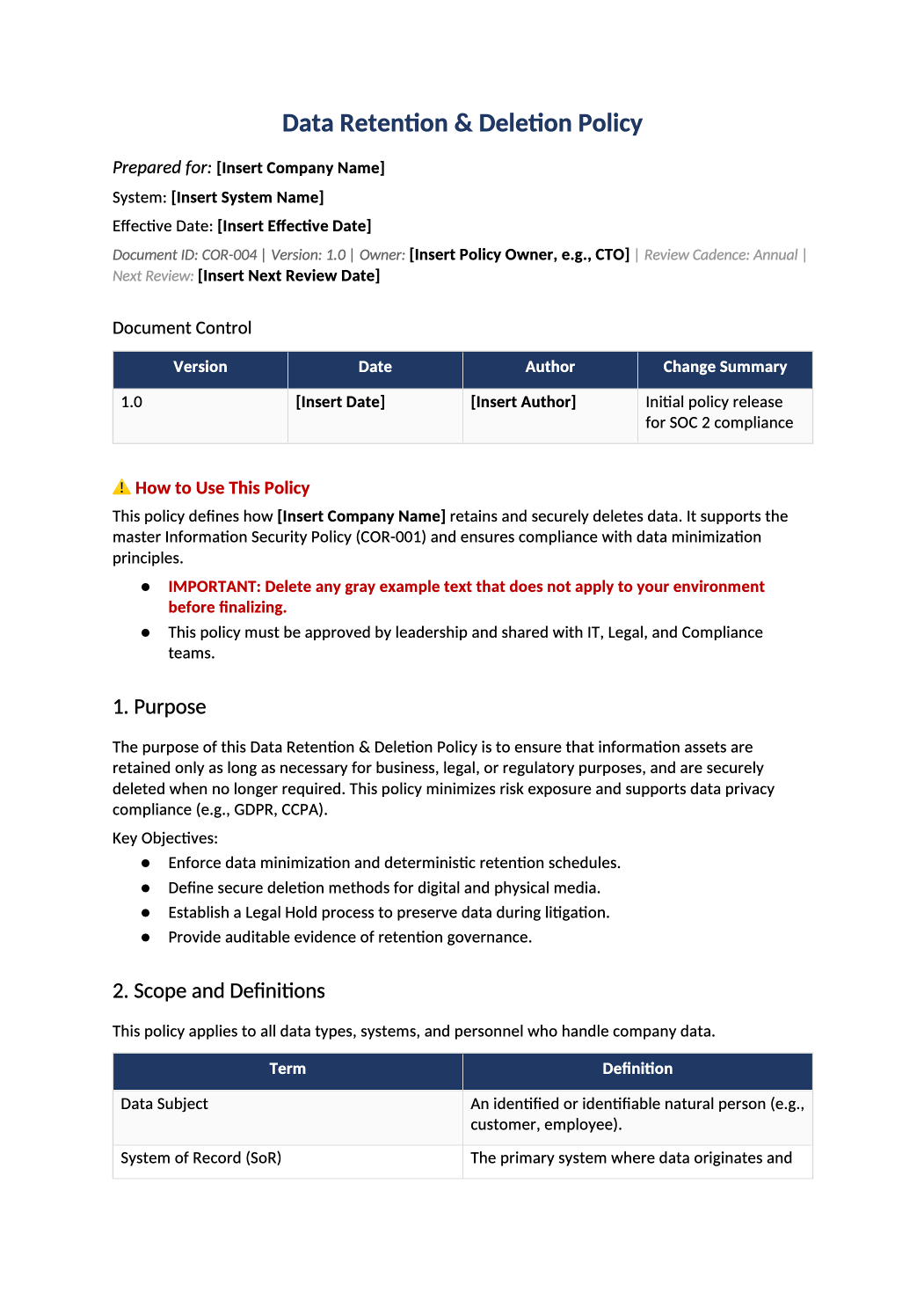
Control your data lifecycle from creation to deletion.
Retention schedules, automated deletion methods, backup handling, and GDPR/CCPA compliance — all in one auditor-ready template.
Download Data Retention & Deletion Policy (.docx)Data retention policy template — This template helps you define how your company keeps and deletes data. Auditors look for this to ensure you aren’t holding onto data forever (which is a security risk) and that you have a plan for deleting it when asked (GDPR/CCPA).
Recommended Owner: CTO, Security Lead, or Legal Counsel | Approval Required: Executive Leadership (CEO/CTO)
Section 1
Getting Started
- Enable Editing: Click “Enable Editing” in Word.
- Fill in the Blanks: Replace all [Bold Brackets] with your specific details (like retention periods).
- Check the Examples: The [Regular Brackets] are just examples. Feel free to change them to match how your company actually works.
Section 2
Key Things to Decide
Before you start filling it out, you’ll need to make a few decisions about how your company handles data.
-
How long do we keep things? Financial/Tax: ~7 years. Customer Data: Contract duration + short period. Logs: ~1 year. When in doubt, keep it shorter.
-
Where does data live? Identify your main systems (Salesforce, AWS). Deletion should start in the main system, then flow to backups.
-
How do we delete it? Use automated tools (AWS S3 Lifecycle rules). Automation is much stronger for audits than manual deletion.
Document tour
Section-by-section walkthrough
Open the downloaded COR-004 file in Microsoft Word. Use the headings below as your checklist — complete each section before the final approval block.
- Replace [Insert Company Name] and confirm the objectives match what you actually commit to in SOC 2 and customer contracts.
- Delete gray example bullets if they do not apply to your stage (e.g., GDPR if you have no EU data).
- List every workforce type (employees, contractors) and every system class in scope (prod, corporate IT, SaaS admin consoles).
- Align wording with SOC-004 System Description and SOC-002 scoping answers.
- Confirm the numbered lifecycle steps match how data actually flows in your company.
- Fill retention periods per data type with realistic durations — avoid “indefinite.”
- Match deletion methods to your stack (S3 lifecycle, DB tombstone, vendor dashboards).
- Explain how legal holds pause deletion and how DSAR deletes flow from PRI-002.
6.1 Data Subject Deletion Requests (GDPR/CCPA)
- Explain how legal holds pause deletion and how DSAR deletes flow from PRI-002.
- Name your SIEM or log store and retention period — align with SOC-008 if you use that standard.
7.1 Audit Evidence Mapping
- Replace all [bracketed placeholders] and gray examples with specifics about your environment.
- Remove subsections or rows that are not applicable rather than leaving generic sample text.
- Reference COR-015 or your exception log — every retention exception needs an owner and expiry.
- Document how exceptions are requested, approved, and time-boxed — use COR-015 exception log if applicable.
- Complete the signature table with name, title, and date — store the signed PDF for auditors.
10.1 SOC 2 Common Criteria Mapping
- Leave mapping tables as-is unless your scope excludes criteria; they help auditors navigate the policy.
Section 4
Before You Finalize
- Did you replace all [Bold Brackets] with real data?
- Did you remove any [Example Text] that doesn’t apply to you?
- Do the retention periods match what your engineers say is possible?
- Did you get the CEO or CTO to sign off (Section 10)?
Section 5
Where to Store It
- Save It: Keep the final signed PDF in your central compliance folder.
- Share It: Make sure your Engineering team knows where this is, since they will build the deletion tools.
Pro Tips
Pro Tips for Success
- Automate If Possible: Auditors love automation. Setting up AWS/Azure lifecycle rules is much stronger evidence than saying “we delete manually.”
- Backups Are Different: You don’t need to delete from backups immediately for GDPR. Most auditors accept natural expiration (30–90 days) as long as you don’t restore it.
- Keep It Simple: If you don’t have physical servers, just delete the “Physical Media” row. Only keep what applies to you.
FAQ
Frequently Asked Questions
It depends on your contract and local laws. A common standard is “Duration of Contract + 1 Year.” Check with a lawyer if you’re unsure.
Generally, no. It’s technically very hard. Most auditors accept that backup data is deleted when the backup cycle ends (30–90 days), as long as you don’t access it.
That’s okay. Just list the person responsible for these tasks (often the CTO or Engineering Lead) in the approval sections.
Save screenshots of automated lifecycle policies (in AWS S3) or export logs showing deletion events. You’ll need these for audit evidence.