PBC Tracker Guide
Track provided-by-client requests, owners, due dates, and evidence links.
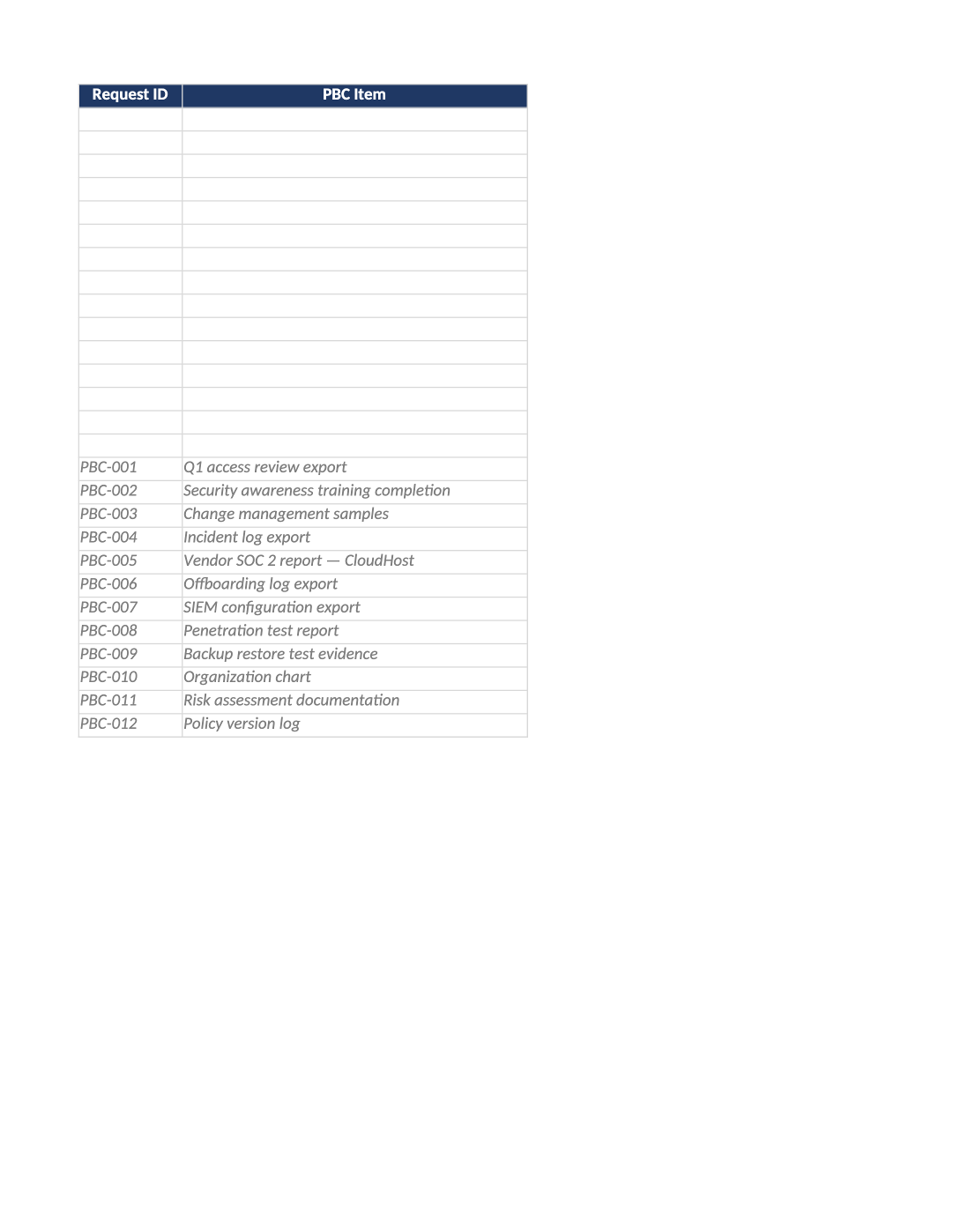
PBC Tracker (Evidence Request List)
Track provided-by-client requests, owners, due dates, and evidence links.
PBC tracker SOC 2 template — Run the audit logistics workbook — link each row to SOC-021 evidence index.
Recommended Owner: Compliance Lead | Row owners upload proof
What this file is for
Document purpose
PBC request tracker — internal and auditor statuses, evidence IDs, due dates.
In your program: Evidence ID column must match SOC-021; Critical/High open items escalated weekly.
Before you start
Getting Started
- Enable Editing; read the Instructions sheet first for tab order and version metadata.
- Use dropdowns in validated columns; delete gray sample rows before auditor samples.
- Check Dashboard after updates — formulas flag gaps and acceptance rates.
Document tour
Fill out the file section by section
Work through the sections below in order. Each block matches a heading or tab in the downloaded SOC-028 file.
- Import auditor PBC at kickoff; add internal prep items not on auditor list.
- After editing Instructions, search for `[` placeholders and gray sample names — auditors flag incomplete templates.
- Request ID stable; PBC Item = auditor wording where possible for easy mapping.
- Internal Status vs Auditor Status — do not mark Accepted until auditor confirms.
- Evidence ID links to SOC-021; Evidence Link = SharePoint/drive URL auditors can open.
- Priority heatmap — escalate Critical/High past due to executive sponsor in SOC-017.
Request ID
- Assign stable Request ID values — never reuse an ID for a different record in the audit period.
- Cross-reference IDs in related toolkit docs (SOC-021, COR-014, HR-001, etc.).
PBC Item
- Assign stable PBC Item values — never reuse an ID for a different record in the audit period.
- Cross-reference IDs in related toolkit docs (SOC-021, COR-014, HR-001, etc.).
Description
- Fill Description for every in-scope row on PBC Tracker — use dropdowns where provided.
- Do not leave cells blank for active records; use N/A with a short reason if truly not applicable.
TSC / CC Ref
- Fill TSC / CC Ref for every in-scope row on PBC Tracker — use dropdowns where provided.
- Do not leave cells blank for active records; use N/A with a short reason if truly not applicable.
Request Type
- Fill Request Type for every in-scope row on PBC Tracker — use dropdowns where provided.
- Do not leave cells blank for active records; use N/A with a short reason if truly not applicable.
Priority
- Fill Priority for every in-scope row on PBC Tracker — use dropdowns where provided.
- Do not leave cells blank for active records; use N/A with a short reason if truly not applicable.
Assigned To
- Fill Assigned To for every in-scope row on PBC Tracker — use dropdowns where provided.
- Do not leave cells blank for active records; use N/A with a short reason if truly not applicable.
Due Date
- Use consistent Due Date format (YYYY-MM-DD) aligned with HRIS, IdP, or LMS exports.
- Dates must match supporting evidence — auditors compare log timestamps to HR records.
Internal Status
- Select Internal Status from the dropdown — free text breaks Dashboard formulas and heatmaps.
- Update through the lifecycle (Not Started → In Progress → Complete/Closed) before sign-off.
Auditor Status
- Select Auditor Status from the dropdown — free text breaks Dashboard formulas and heatmaps.
- Update through the lifecycle (Not Started → In Progress → Complete/Closed) before sign-off.
Evidence ID
- Fill Evidence ID with a URL, ticket, or export path auditors can open — not a local-only path.
- Re-verify links before fieldwork; broken evidence links are a common audit finding.
Evidence Link
- Fill Evidence Link with a URL, ticket, or export path auditors can open — not a local-only path.
- Re-verify links before fieldwork; broken evidence links are a common audit finding.
Source System
- Fill Source System for every in-scope row on PBC Tracker — use dropdowns where provided.
- Do not leave cells blank for active records; use N/A with a short reason if truly not applicable.
Auditor Notes
- Fill Auditor Notes for every in-scope row on PBC Tracker — use dropdowns where provided.
- Do not leave cells blank for active records; use N/A with a short reason if truly not applicable.
Quality check
Before You Finalize
- Dashboard Critical/High Not Accepted = 0 before closing fieldwork.
- Every Provided row has Evidence Link and matching EVD-### in SOC-021.
Evidence
Where to Store It
- Store the completed file in your compliance evidence folder (signed PDF for policies).
- Register the document in COR-013 with version, owner, and next review date.
- Link the file from your evidence index or SOC-005 project plan when you use Phase 3 trackers.