Physical Security Policy Guide
Home office, co-working, device storage, and visitor controls when you have no corporate datacenter.
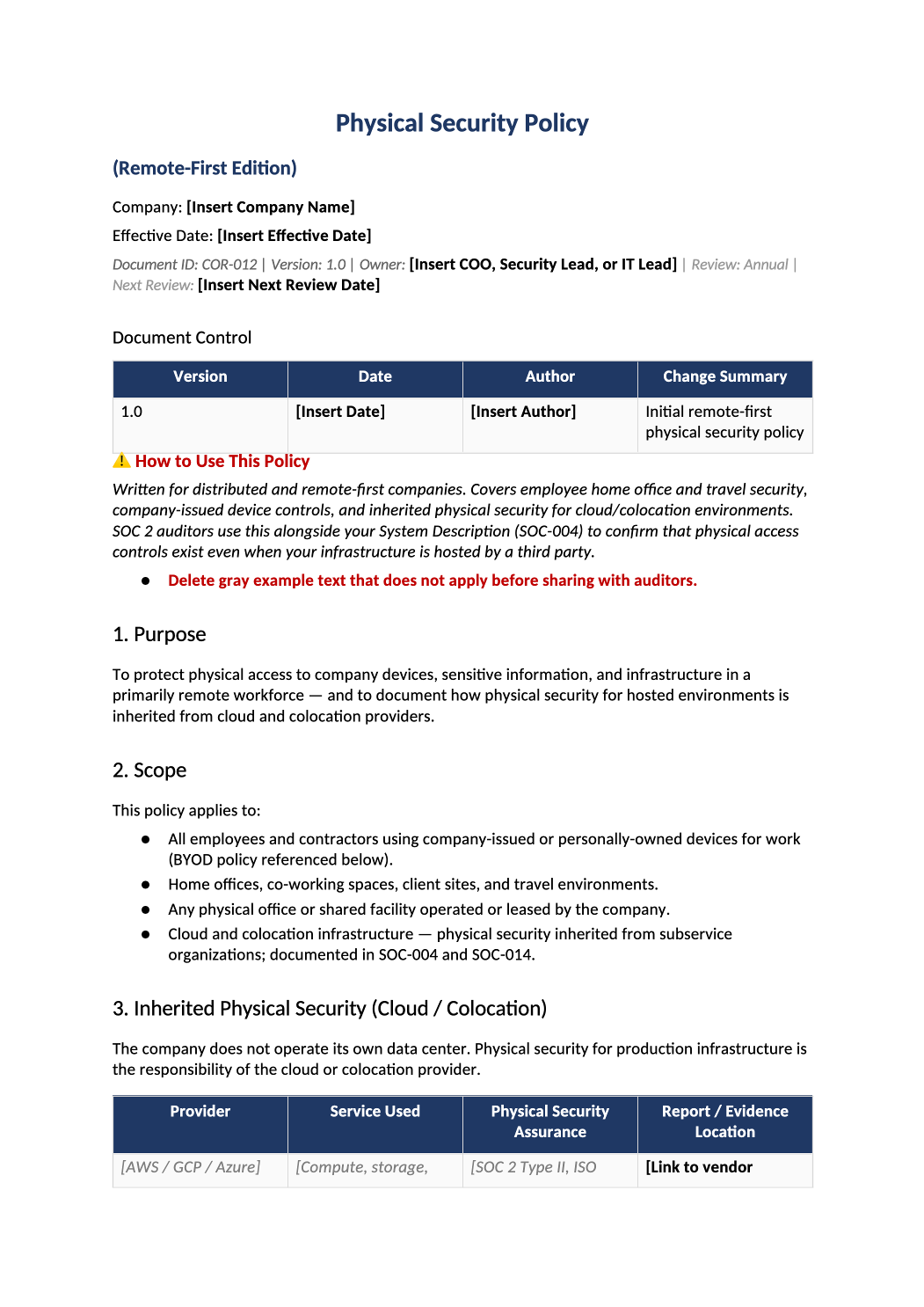
Physical Security Policy (Remote-First)
Home office, co-working, device storage, and visitor controls when you have no corporate datacenter.
Physical security policy template — Remote-first companies still need clear rules for laptops, badges, and co-working. State what you do not control (e.g., home networks).
Recommended Owner: Security Lead | Facilities if you have offices
What this file is for
Document purpose
Physical security for remote-first orgs (CC6.4 where applicable).
In your program: Covers laptops and co-working — not datacenter (usually vendor CUEC).
Before you start
Getting Started
- Enable Editing in Word; replace `[` placeholders and delete gray examples.
- Cross-check names and vendors with SOC-002, SOC-004, and Phase 1 COR policies.
Document tour
Fill out the file section by section
Work through the sections below in order. Each block matches a heading or tab in the downloaded COR-012 file.
- Protect assets outside traditional offices (remote-first).
- After editing 1. Purpose, search for `[` placeholders and gray sample names — auditors flag incomplete templates.
- Employees, contractors, and company equipment.
- After editing 2. Scope, search for `[` placeholders and gray sample names — auditors flag incomplete templates.
- Document reliance on AWS/GCP SOC reports — CUECs in SOC-004 Section 8.
- After editing 3. Inherited Physical Security (Cloud / Colocation), search for `[` placeholders and gray sample names — auditors flag incomplete templates.
- Private workspace, screen privacy, cable lock where applicable.
- After editing 4. Remote Workspace Requirements, search for `[` placeholders and gray sample names — auditors flag incomplete templates.
- Encryption, auto-lock, MDM enrollment.
- After editing 5. Company Device Standards, search for `[` placeholders and gray sample names — auditors flag incomplete templates.
- Prohibit or define minimum controls if allowed.
- After editing 6. BYOD (Personally Owned Devices), search for `[` placeholders and gray sample names — auditors flag incomplete templates.
- Encrypted USB only or prohibition.
- After editing 7. Media & Removable Storage, search for `[` placeholders and gray sample names — auditors flag incomplete templates.
- Badge policy if physical office or WeWork used.
- After editing 8. Office & Co-Working Spaces, search for `[` placeholders and gray sample names — auditors flag incomplete templates.
- Device custody, VPN, no sensitive calls in public.
- After editing 9. Travel & Off-Site Events, search for `[` placeholders and gray sample names — auditors flag incomplete templates.
- Report within 24h; remote wipe — open SOC-013 row.
- After editing 10. Loss, Theft & Incident Reporting, search for `[` placeholders and gray sample names — auditors flag incomplete templates.
- Annual sign-off.
- After editing 11. Review & Approval, search for `[` placeholders and gray sample names — auditors flag incomplete templates.
12. Related Documents
- COR-011, SOC-004, vendor physical SOC reports.
- After editing 12. Related Documents, search for `[` placeholders and gray sample names — auditors flag incomplete templates.
13. SOC 2 Mapping
- CC6.4 — note if fully inherited from cloud provider.
- After editing 13. SOC 2 Mapping, search for `[` placeholders and gray sample names — auditors flag incomplete templates.
Quality check
Before You Finalize
- Clear statement on home office and travel expectations.
Evidence
Where to Store It
- Store the completed file in your compliance evidence folder (signed PDF for policies).
- Register the document in COR-013 with version, owner, and next review date.
- Link the file from your evidence index or SOC-005 project plan when you use Phase 3 trackers.