Prompt Engineering Guidelines Guide
System prompts, injection prevention, RAG rules, and logging for production LLM apps.
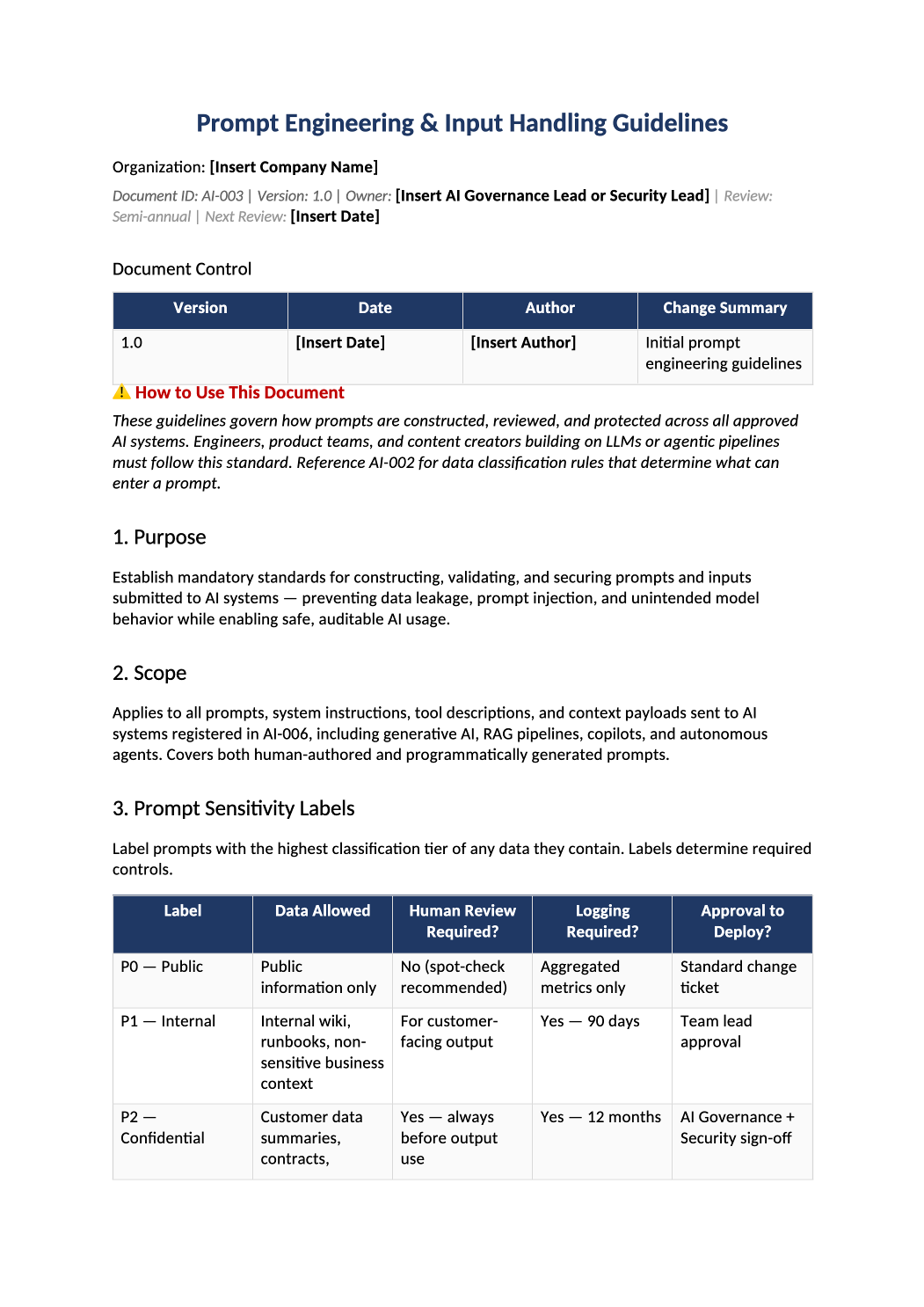
Prompt Engineering & Input Handling Guidelines
System prompts, injection prevention, RAG rules, and logging for production LLM apps.
How to Fill Out This Prompt Engineering & Input Handling Guidelines
Prompt engineering security guidelines template — Engineering standard for anyone building on LLMs or agents — system prompts are change-controlled per AI-013.
Recommended Owner: Engineering Lead | AI Governance reviews Tier 3+ prompts
Before you start
Getting Started
- Enable Editing: Click Enable Editing in Word when prompted.
- Replace brackets: Search for [Bold Brackets] and fill every placeholder with real names, tools, and dates.
- Delete what does not apply: Shorter accurate text beats generic boilerplate auditors cannot test.
- Cross-check Phase 1: Names and scope should match SOC-002, SOC-004, and COR-001 where referenced.
Toolkit links
Related templates in your kit
Keep these companion documents consistent (same owners, dates, and vendor names):
- AI-002
- AI-010
- AI-013
- AI-008
Quality check
Before You Finalize
- Every [bracket] placeholder is replaced or marked N/A with a short reason.
- Roles and tool names match COR-005 org chart and SOC-004 system description.
- Review and Approval section is signed with name, title, and date.
Evidence
Where to Store It
- Store the completed file in your compliance evidence folder (signed PDF for policies).
- Register the document in COR-013 Document Control Log with version and review date.
- Link to the record in your SOC-005 project plan or evidence index when ready.